BAVERO_BATHROOM_FIXTURES
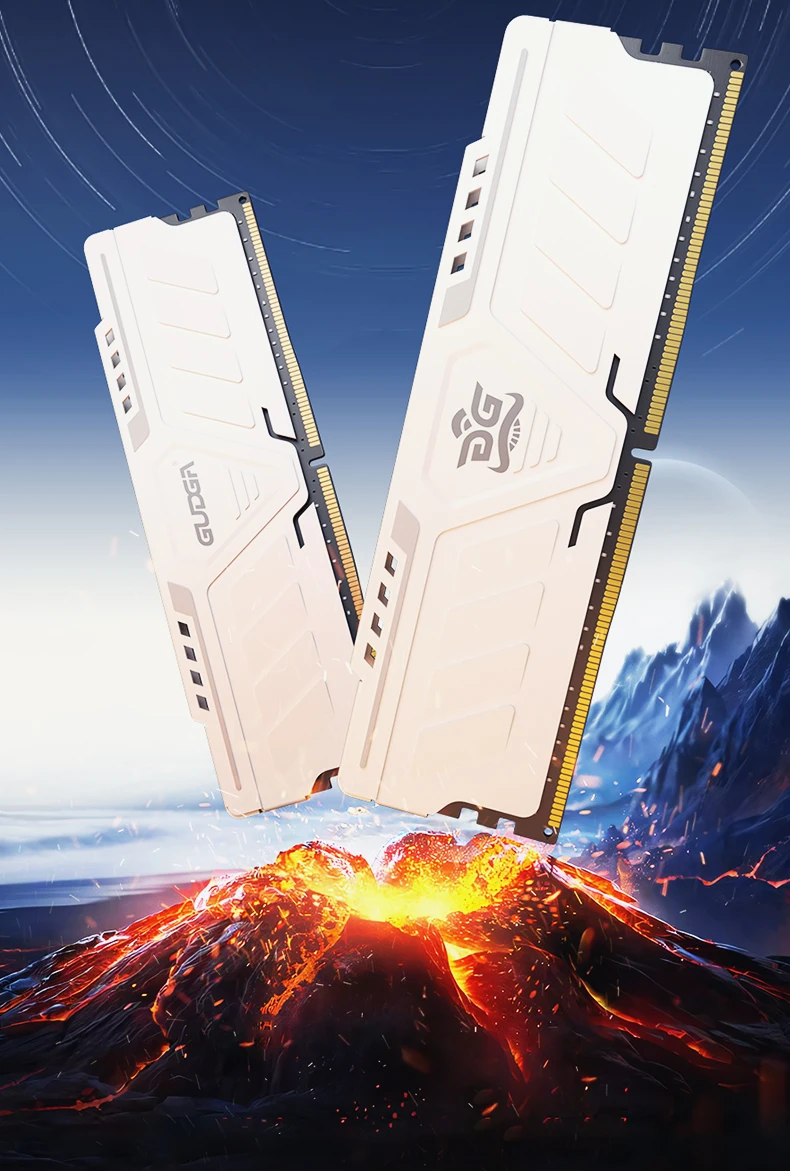
Gudga Ddr4 Ram 8gb/16gb/ 3200mhz 35v 288pin Dimm
Gudga Ddr4 Ram 8gb/16gb/ 3200mhz 35v 288pin Dimm
Verfügbarkeit für Abholungen konnte nicht geladen werden
SPECIFICATIONS
Application: Desktop
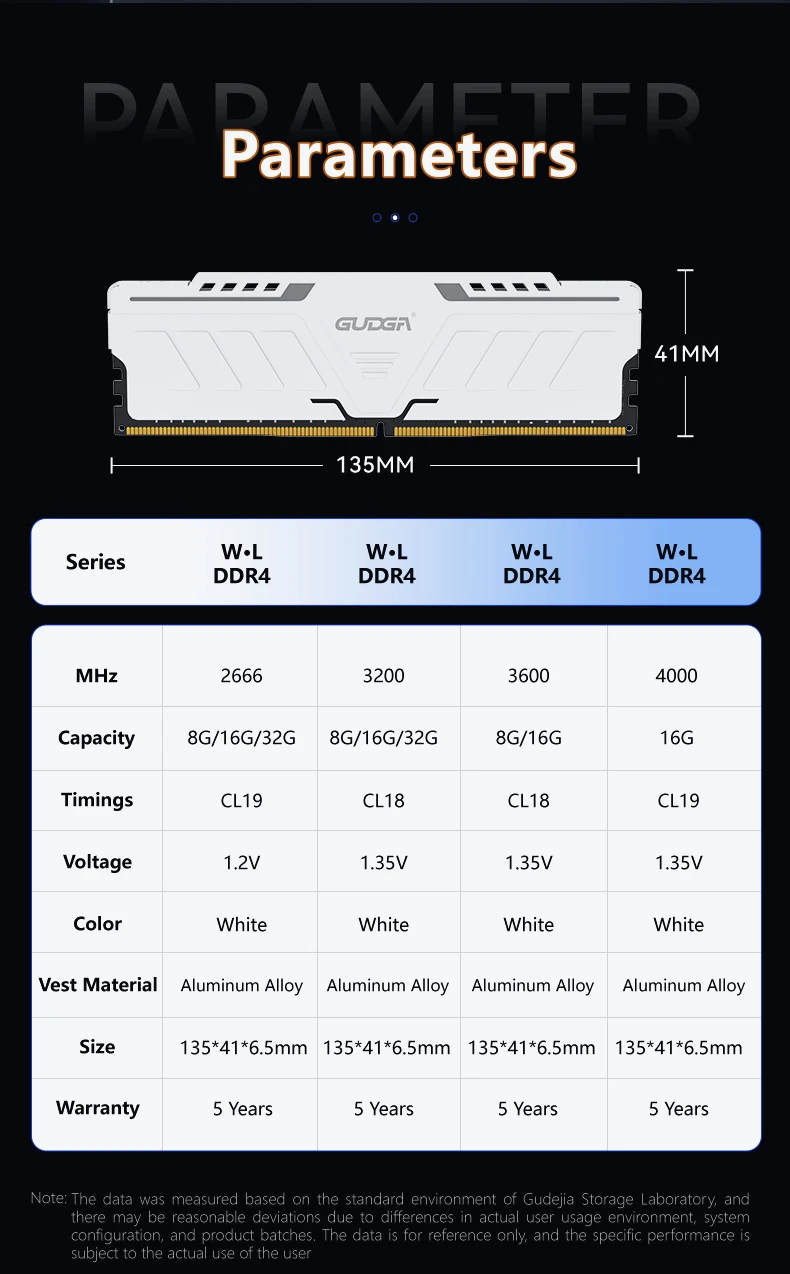
Capacity: 8G/16G
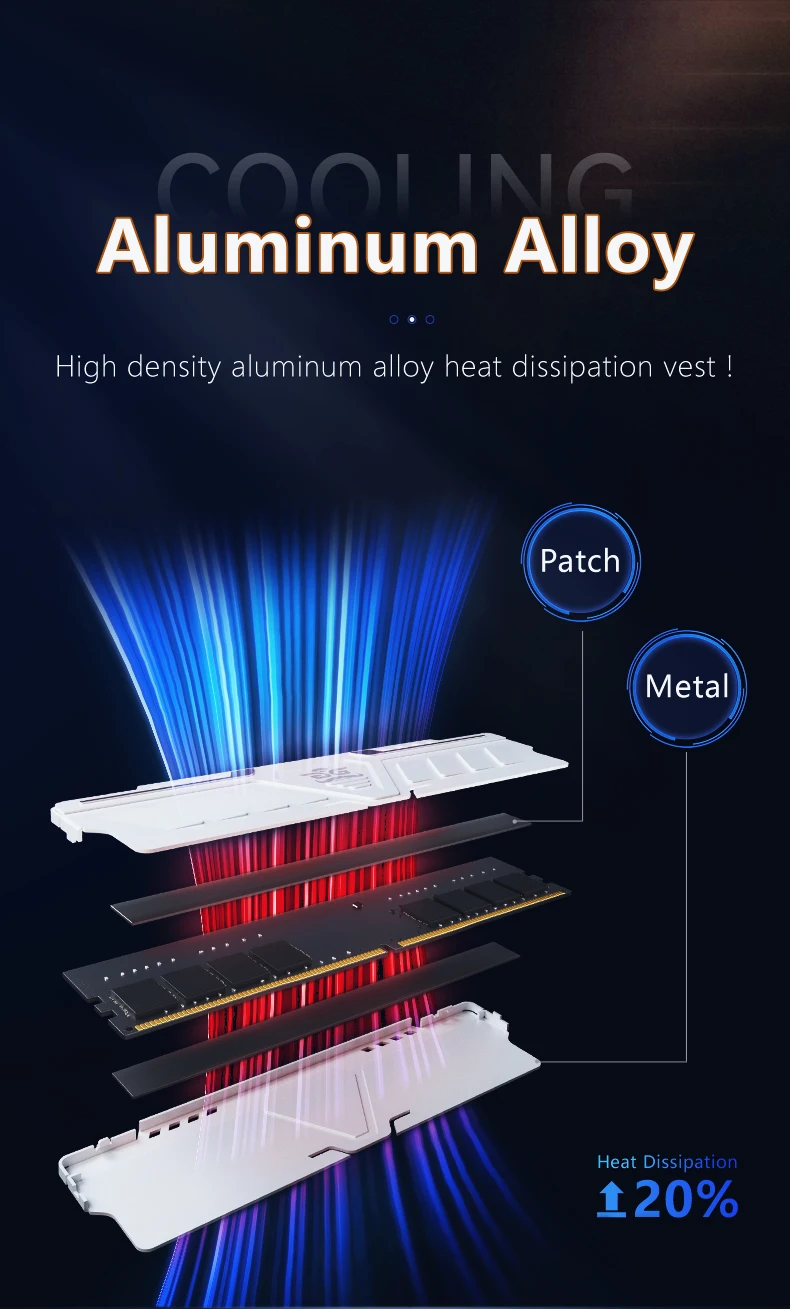
Cooling Fin: No
Frequency: 3200
High-concerned chemical: none
Interface Type: 288pin
Memory Frequency: 3200 MHz
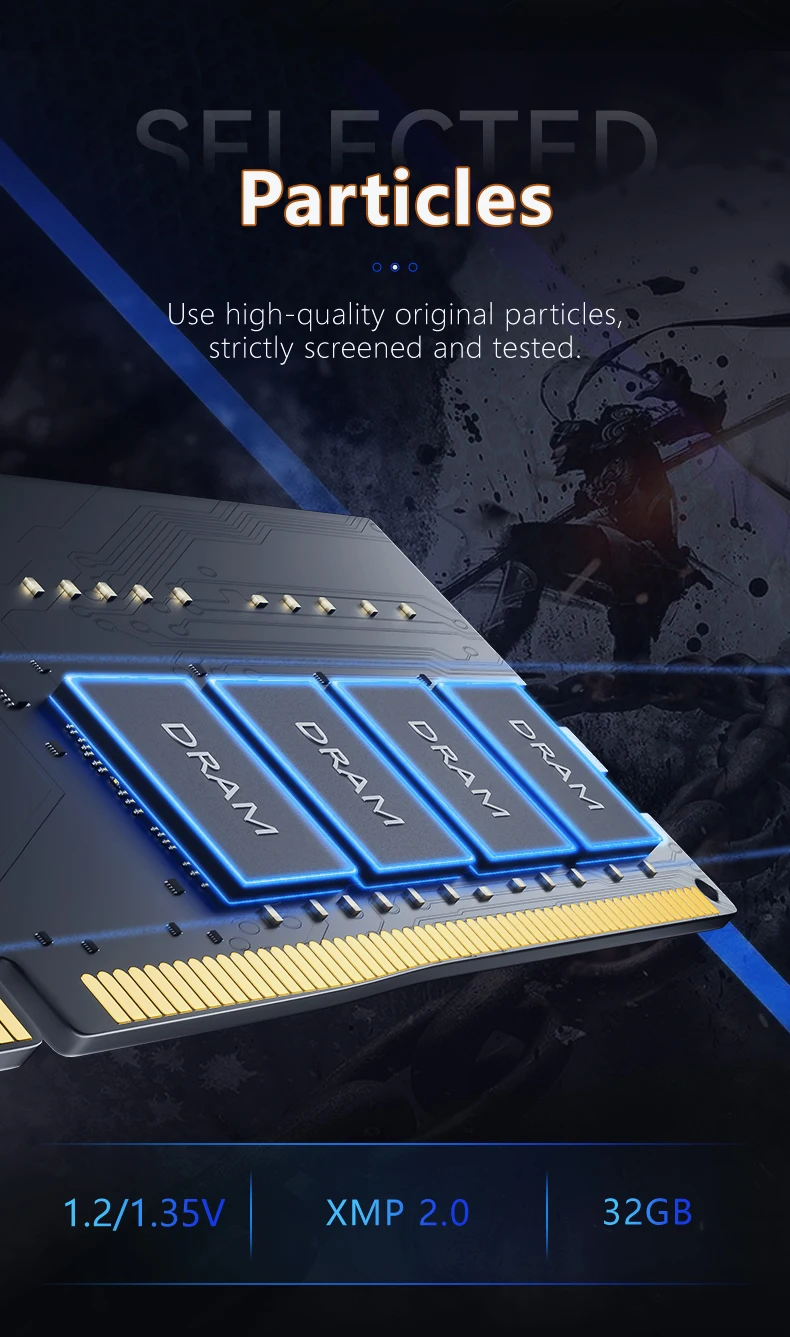
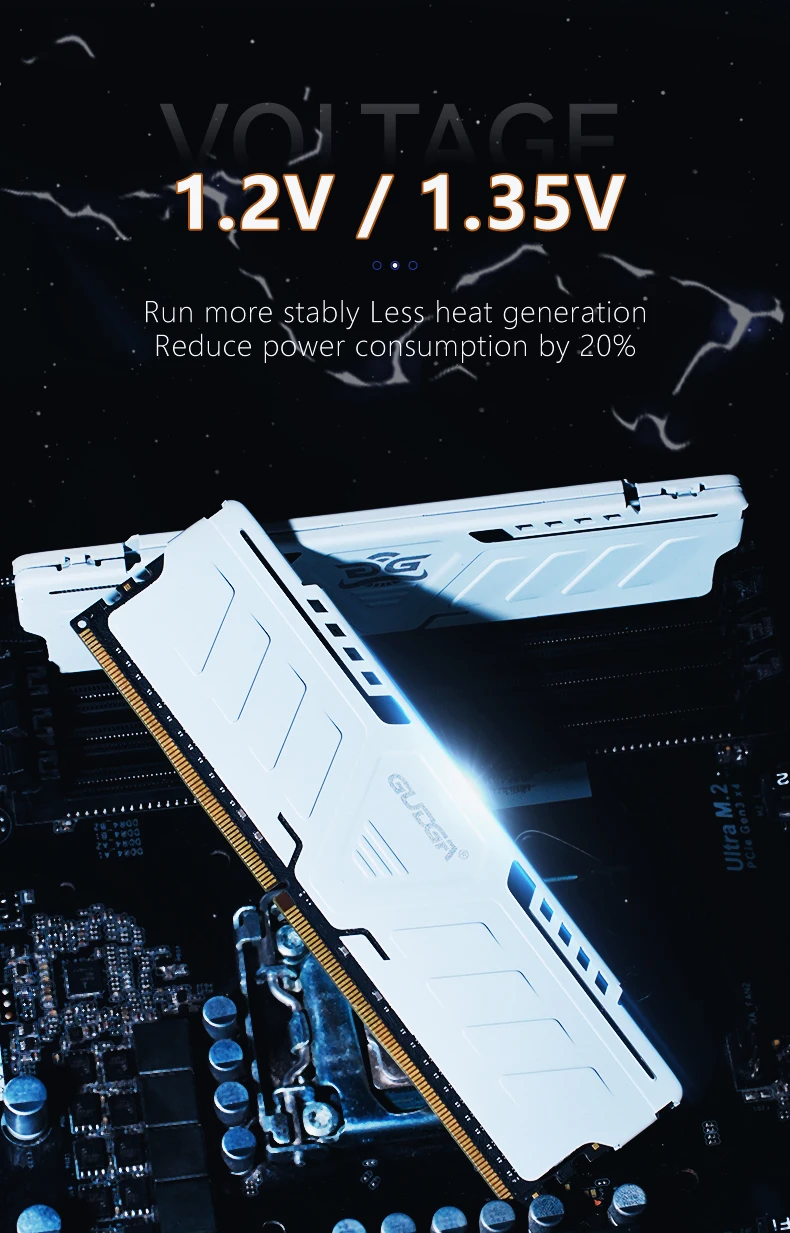
Memory Voltage: 1.35
Operating Humidity: 5%-75% RH non-condensing
Operating temperature: 0~ +70 Celsius
Origin: Mainland China
Package: Yes
RGB: no
Sequence: 15-17-17-35
The value of CL: 17
Type: DDR4
 RAM advantages: 8layer PCB board is used to ensure the distance between signal lines and avoid signal interference at high frequencies. The thickness of the PCB board is uniform, the workmanship is fine, and the edges are smooth and free of burrs. The interface adopts electroplating gold process to ensure the more stable operation of the computer system. Using advanced welding technology, the solder joints are round, plump and free of false soldering
Memory RAM DDR4 8GB 16GB 3200Mhz RAM For Desktop
1.Capacity:8GB,16GB
2.Interface: 288pin;
3.Memory frequency: 3200Mhz
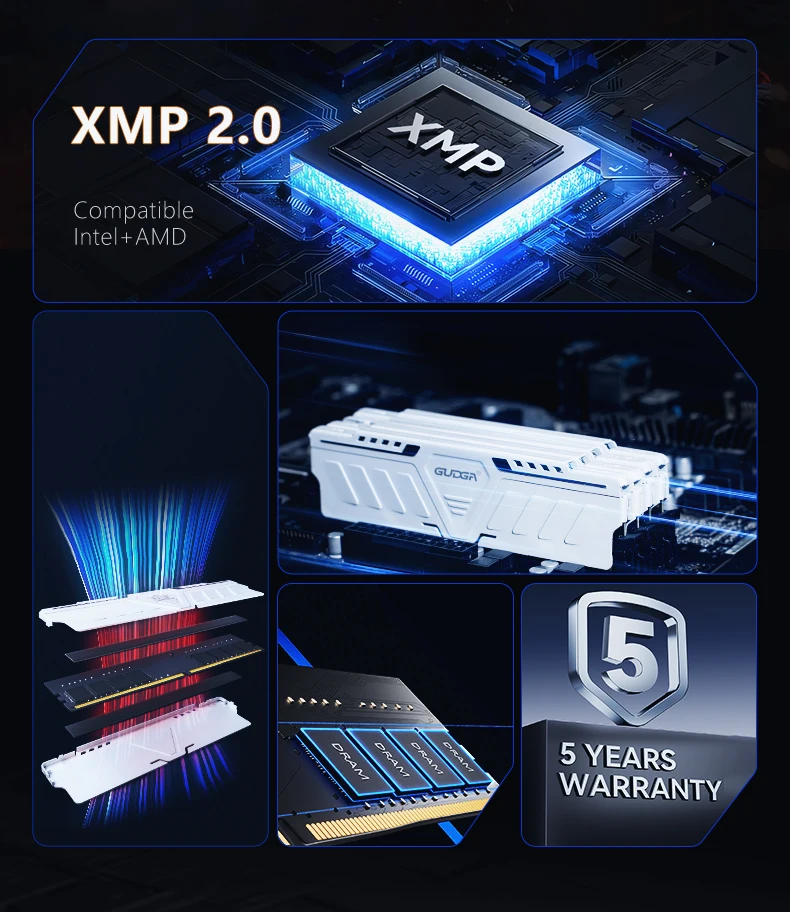
4.Input voltage:2666MHZ DC 1.2V (±0.075v);3200MHZ DC 1.35V (±0.075v)
5.Operating temperature: 0℃ ~ +70℃;
6.Storage temperature: -20℃ ~ +75℃;
7.physical dimension: 133mm length * 30.0mm wide * 3.8mm height
8.CL:18(3200Mhz/3600Mhz);
Note:
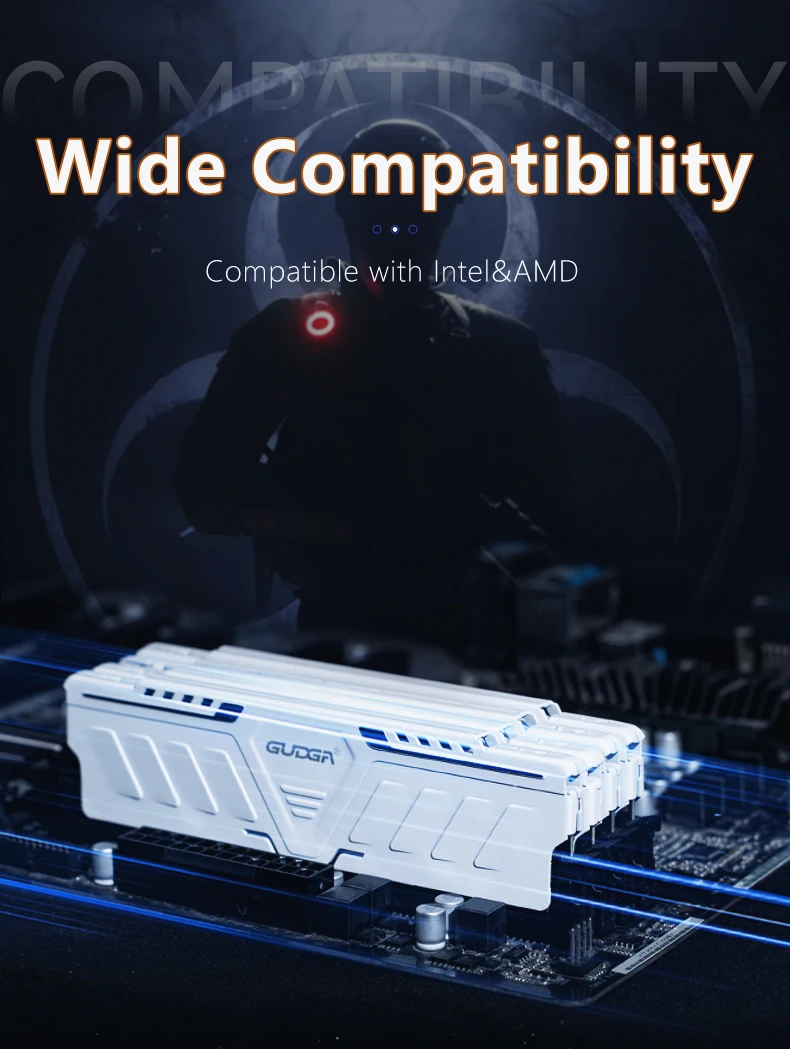
1. Please make sure the product is compatible with your computer model before ordering. Whether your computer has an interface corresponding to the memory. Please make sure the RAM is compatible with the motherboard/CPU. Memory products marked with AMD are only suitable for computers with AMD cpus, and those marked with intel are only suitable for computers with Intel CPUs.
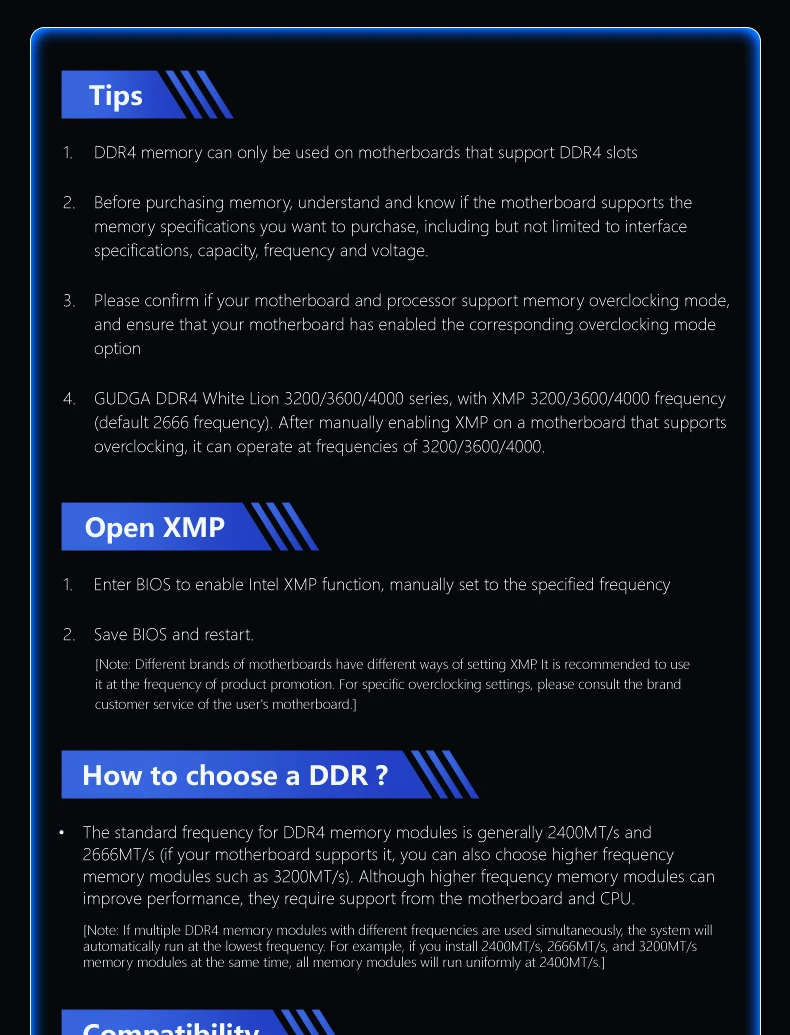
2 Please confirm the maximum memory and frequency that your motherboard can support before ordering.
3. It cannot form a dual-channel or multi-channel computer. It has not been tested by the original factory and cannot be mixed and matched without permission. There may be mismatches and cannot work normally
Tips
After installing the memory, the computer has been used for a period of time. If there is dust in the memory slot or the contact points are oxidized, you can use a brush to remove the dust, etc., and remove the oxide layer by plugging and unplugging the memory several times.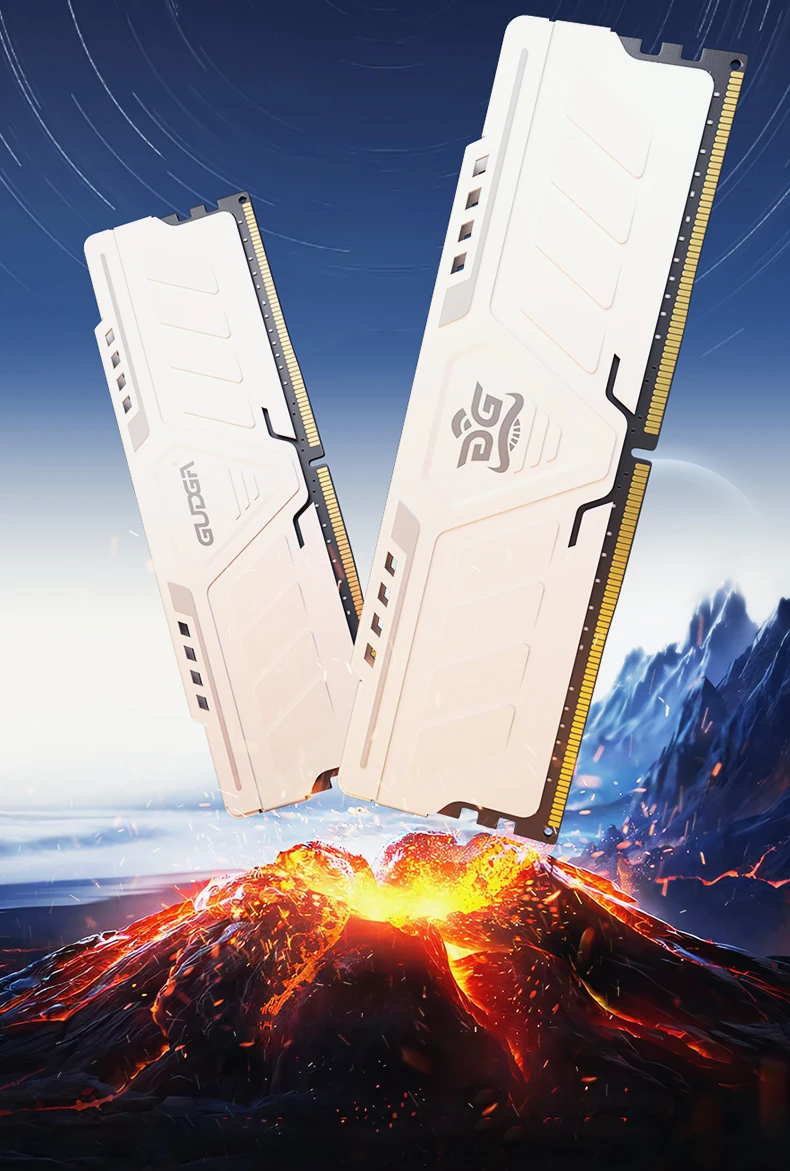

1XPackage Box
1X Memory ram